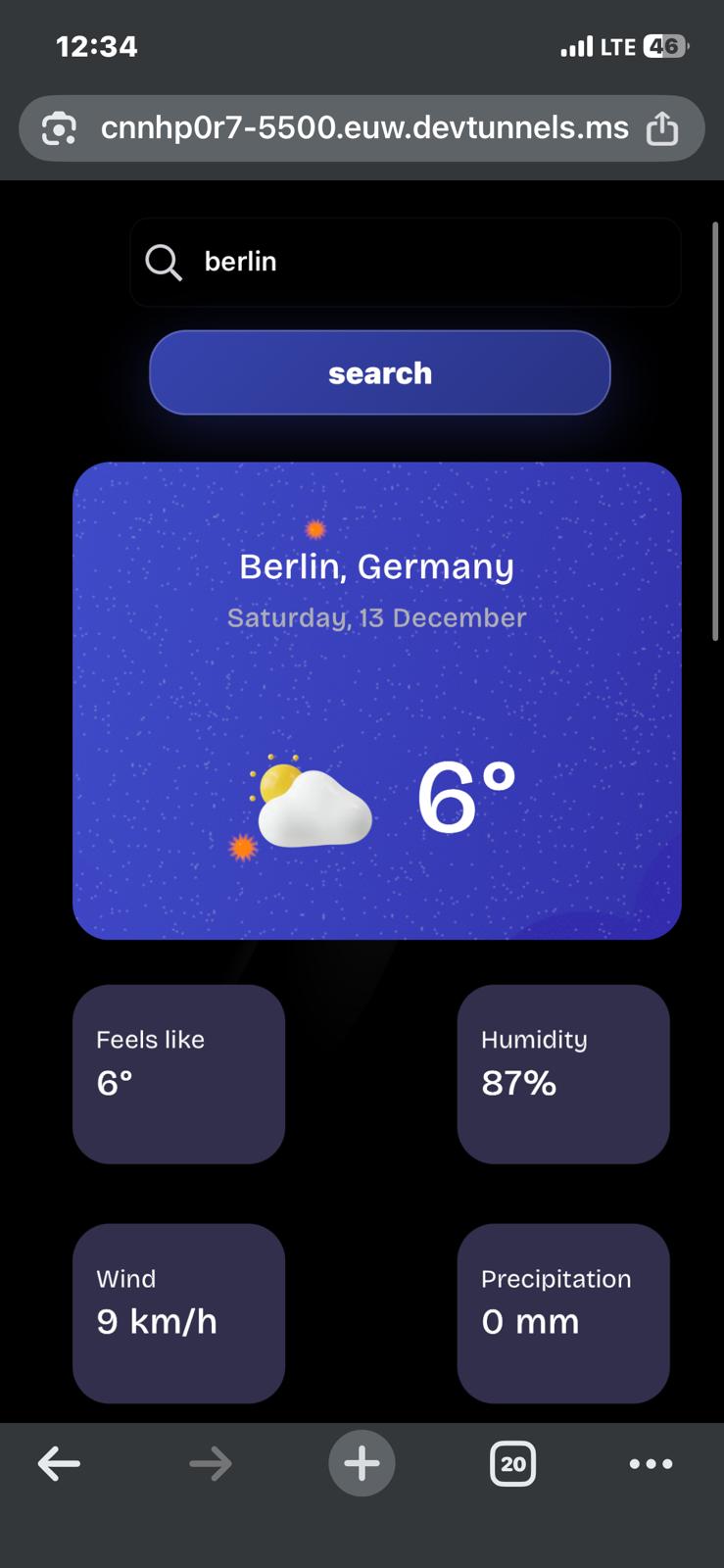
Weather Now is a static front-end weather application built for the Frontend Mentor Weather App challenge during my web design and development coursework at UNIZA. The app lets a user search for a city, resolves that location through geocoding, fetches live weather data, and presents a modern dashboard with current conditions, a 7-day forecast, and hourly forecast blocks.
The project uses plain HTML, CSS, and JavaScript modules without a backend or build step. This made it a focused exercise in browser-native front-end development: semantic structure, responsive layout, DOM updates, API requests, local/session storage, and defensive UI behavior.
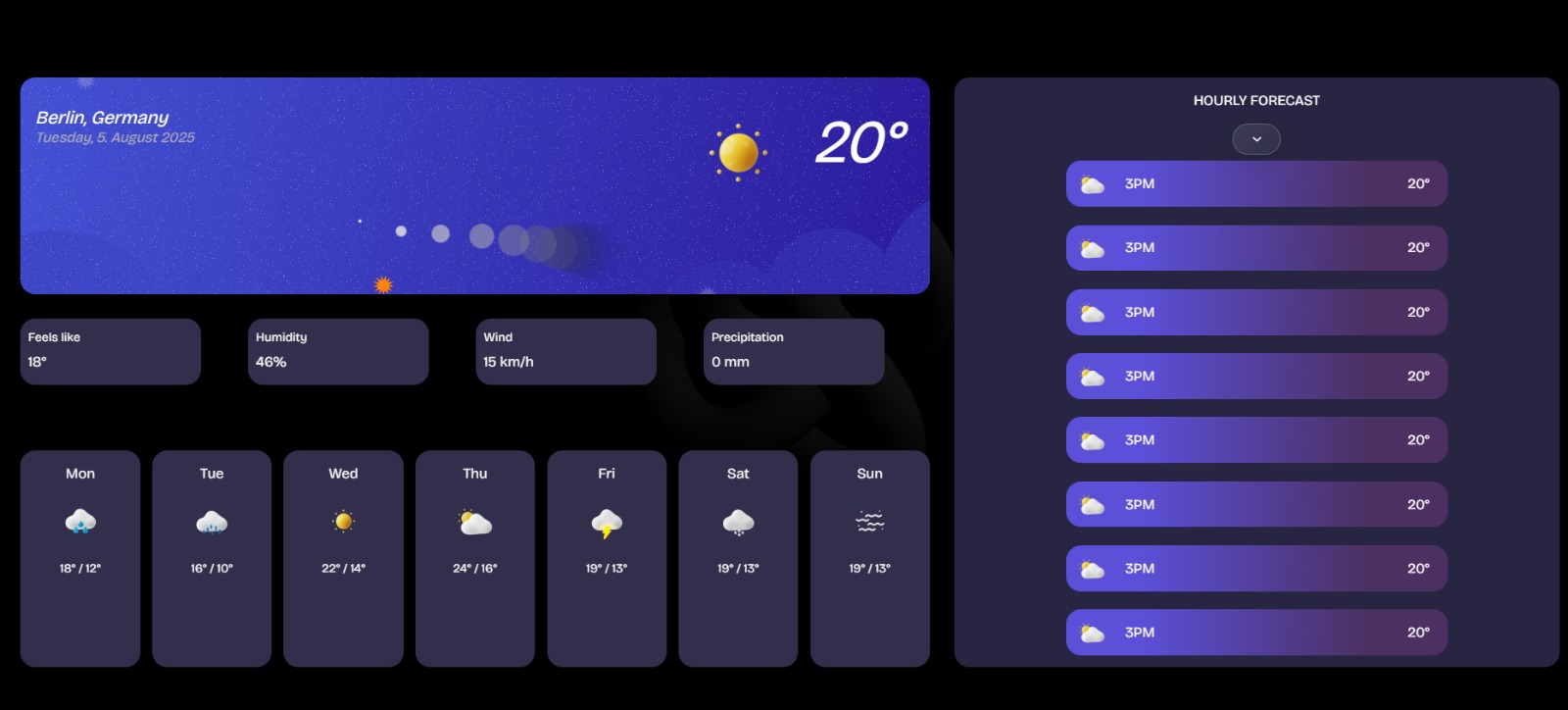
Main desktop dashboard with current conditions, daily forecast cards, and hourly blocks.
What It Solves
Weather applications depend on several moving parts: location search, coordinate lookup, forecast requests, date and time formatting, weather-code interpretation, and UI updates that should happen only after the data is ready.
This project connects those pieces into one complete browser experience. A user enters a city name, the app turns that name into latitude, longitude, country, and timezone data, requests the forecast for that place, and renders the result in a visual interface designed for both desktop and mobile screens.
Features
- City search with geocoding lookup
- Live forecast retrieval from the Open-Meteo API
- Current weather panel with temperature, humidity, wind, and precipitation
- 7-day forecast cards with weather icons
- Hourly forecast blocks aligned to the selected location timezone
- Night-aware icon logic, so dark conditions do not show daytime-only icons
- Detail page for an individually selected forecast day
- Session storage handoff between the main dashboard and detail page
- Responsive layouts for desktop and mobile
- UI guards that prevent forecast actions before weather data has loaded
- Optional Three.js decorative background animation
Data Flow
The application follows a clear API-driven flow:
- The user submits a city name.
fetchGeocodingData(locationName)calls the Open-Meteo geocoding endpoint.- The returned city result provides latitude, longitude, country, and timezone.
fetchWeatherData(latitude, longitude, timezone)requests current, daily, and hourly forecast data.- JavaScript rendering functions translate the API response into dashboard sections, forecast cards, icons, labels, and hourly rows.
- When a day card is selected, the app stores the selected weather object in session storage and opens the detail page.
- The detail page reads the stored data on
DOMContentLoadedand renders a deeper view for that day.
Architecture
The project is split into small browser files and modules:
index.htmlcontains the main dashboard structure.displayday.htmlcontains the selected-day detail view.style.css,display.css, andformular.csshandle layout, cards, typography, and responsive styles.js/main.jsmanages the main search, API, and rendering workflow.js/display.jshandles the detail-page rendering.js/modules/api.jscontains geocoding and forecast request functions.js/modules/config.jsstores reusable configuration values.js/modules/three-animation.jsadds the optional visual animation layer.
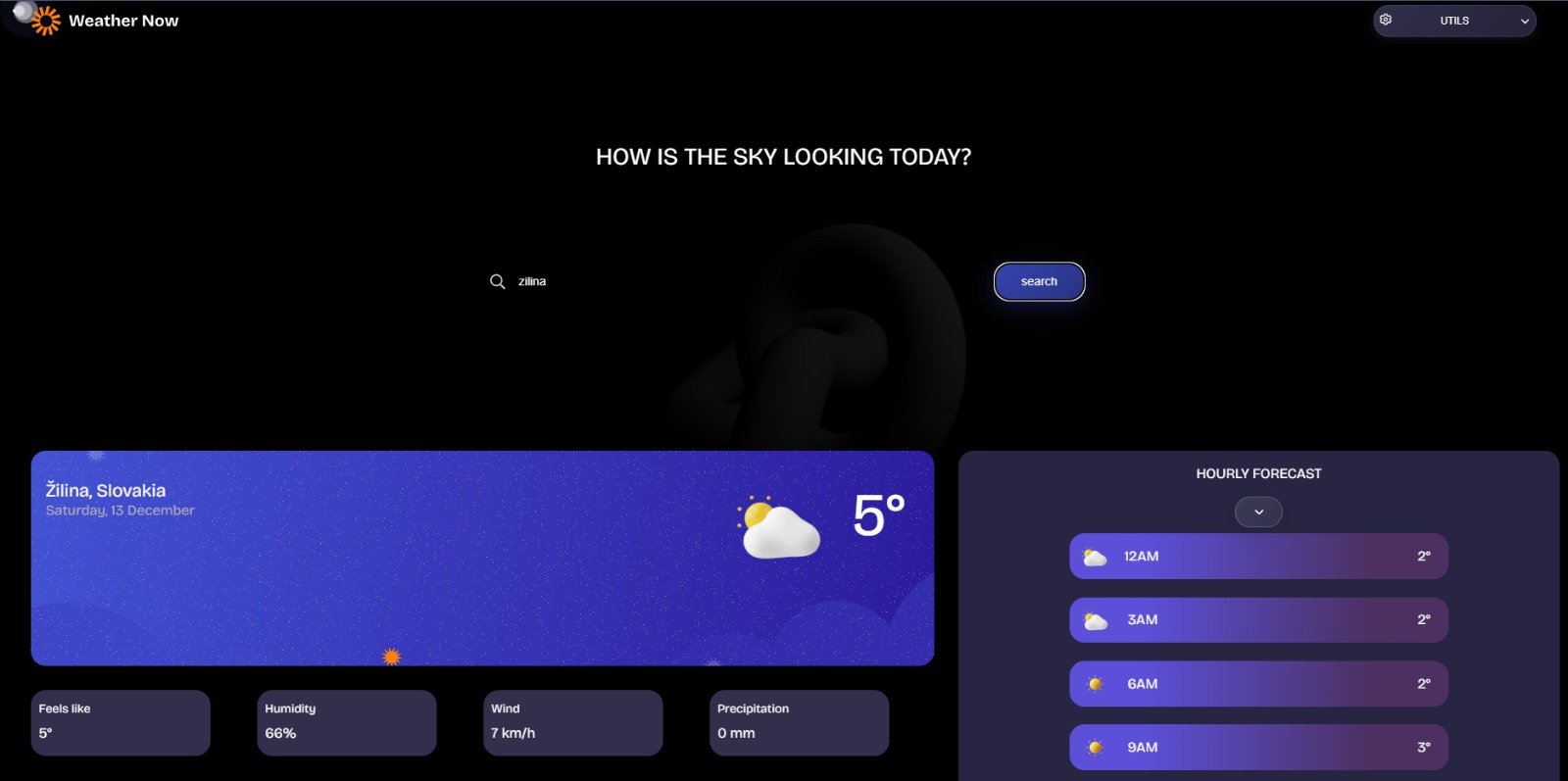
Search-driven weather state after resolving a city and loading the forecast.
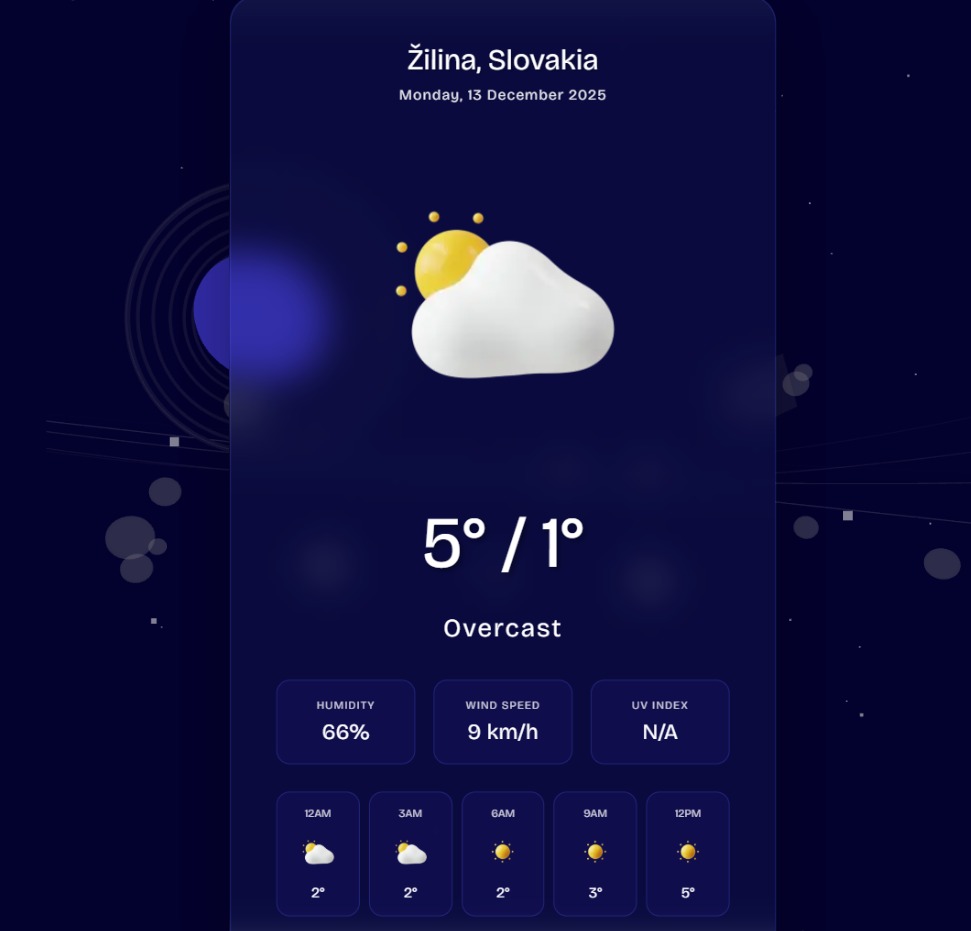
Selected-day detail page with conditions, temperature range, and hourly forecast cards.
What I Learned
This project strengthened my practical JavaScript skills around asynchronous API work. I learned how async and await shape the flow of a real interface: the forecast request cannot happen until geocoding has returned usable coordinates, and the UI should not render weather details until the data exists.
I also practiced mapping API data into user-friendly UI. The app converts WMO weather codes into icons and labels, formats dates and hours with Intl.DateTimeFormat, handles timezone-aware hourly data, and uses session storage to pass selected-day data between pages.
On the design side, I worked with responsive cards, dashboard sections, mobile spacing, and atmospheric visual styling while keeping the app usable as a static front-end project.
Technologies
Semantic HTML5, CSS, Flexbox, CSS Grid, vanilla JavaScript modules, DOM APIs, fetch, async / await, Intl.DateTimeFormat, Open-Meteo Geocoding API, Open-Meteo Forecast API, session storage, and Three.js.
Continued Development
- Add unit tests for date/time calculations and weather-code icon mapping
- Improve keyboard navigation and ARIA support
- Cache recent searches for faster repeat lookups
- Add offline support for the last loaded city
- Finish measurement-unit switching for metric and imperial values
Links
- Source code on GitHub
- Live demo: not deployed yet.